
Route and manage workstation electrical cables with desk power reticulation accessories, including power docks and cable baskets.
Need help choosing from our desk power and reticulation range for your space, quantity or practical requirements?
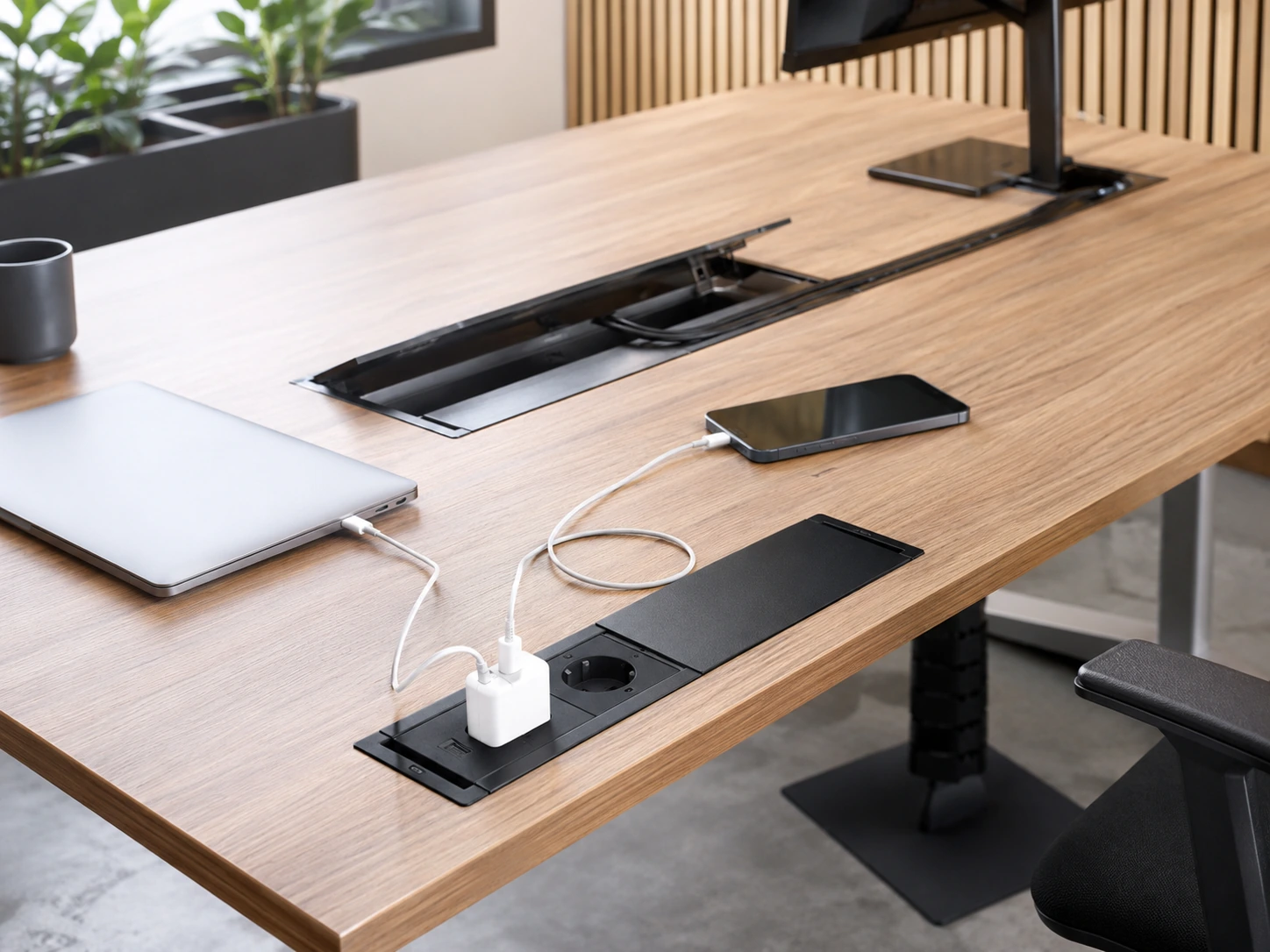
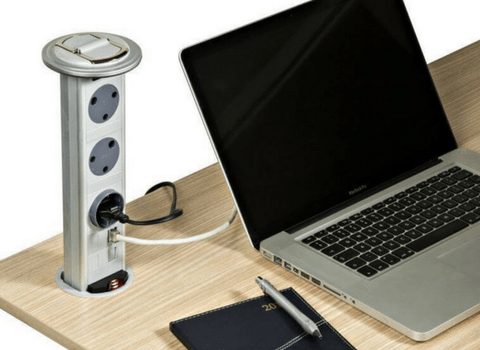
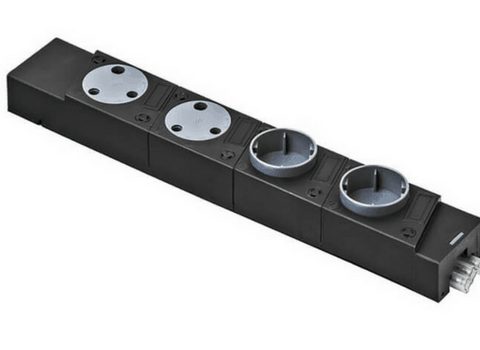
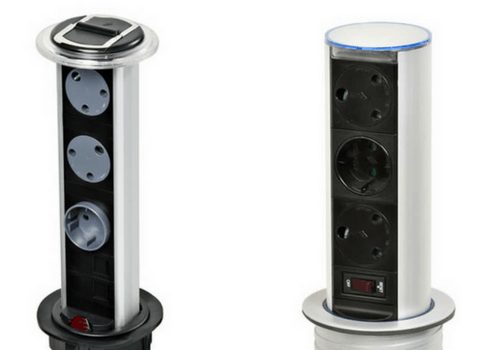
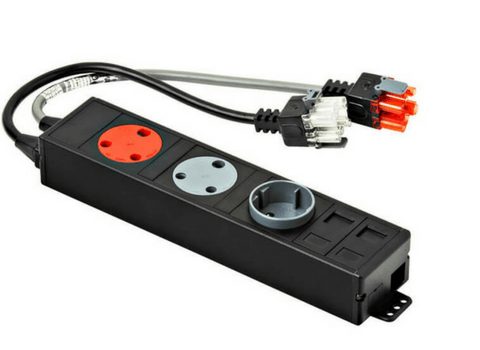
Desk Power Reticulation accessories provide structural pathways and connection points for electrical and data cables within office workstations. The category includes components that attach directly to or sit within the desk surface, such as pop-up power docks and flush-mounted plug modules. It also encompasses cable management hardware, including under-desk metal wire baskets and segmented umbilical cords designed to route cables neatly from the floor to the desktop.

Verify the specific cut-out dimensions required for flush-mounted or pop-up power docks before modifying a desktop. When outfitting open-plan cluster desks, utilize under-desk wire baskets and umbilical cords to route central power lines to individual workstations without leaving cables exposed on the floor.
Power docks provide surface-level sockets for hardware connections.
Umbilical cords encase cables between the floor source and the desk.
Metal trays hold power strips and excess cable lengths beneath the work surface.
Confirm device count, desk layout and electrical planning before the desk power reticulation selection is finalised, then review quantities and delivery requirements as one coordinated workplace decision.
Get project advice →Give us the workspace dimensions, quantity and practical requirements and we can help you shortlist. We can help you compare power access, cable routing, compatibility, safety and installation planning without overcomplicating the decision.
Talk to a product specialistPower docks provide surface-level sockets for hardware connections.
Umbilical cords encase cables between the floor source and the desk.
Metal trays hold power strips and excess cable lengths beneath the work surface.
Review device count, desk layout and electrical planning so the selected desk power reticulation suit the intended room and pattern of use.
Quantities, access and surrounding furniture should be considered together when specifying desk power reticulation for a workplace.
Availability, site access and delivery timing should be checked before the final desk power reticulation order is approved.
Practical answers to common questions about this category.
Yes, flush and pop-up docks require a specific cut-out in the wooden desktop.
Many power modules include combinations of standard power sockets, USB ports, and data/network inputs.
They are typically secured to the underside of the desk surface using standard mounting screws.
Confirm the number and type of power or data points required, desk compatibility, cable routes and the installation approach. These details help narrow the range to options that fit the actual workspace rather than choosing on appearance alone.
Yes. Add the relevant desk power reticulation products and quantities to your quote request, then share the project requirements. Delivery and any assembly or installation support are confirmed according to product availability, project scope and delivery location.